How It Works
From one photo to a full set of ads
Upload a product photo and get on-brand ads for every platform — in four simple steps.
Step One
Upload your photo
Start with a single product photo and a short brief.
A studio shot, a lifestyle image, or even a clear photo from your phone all work. Give the product a name and a short description, pick your brand kit and a mood; the audience and key benefit are optional. We automatically remove the background and prepare your product for every ad size.
- Background removed automatically
- Works with any product category
- A short brief: name, description and a mood
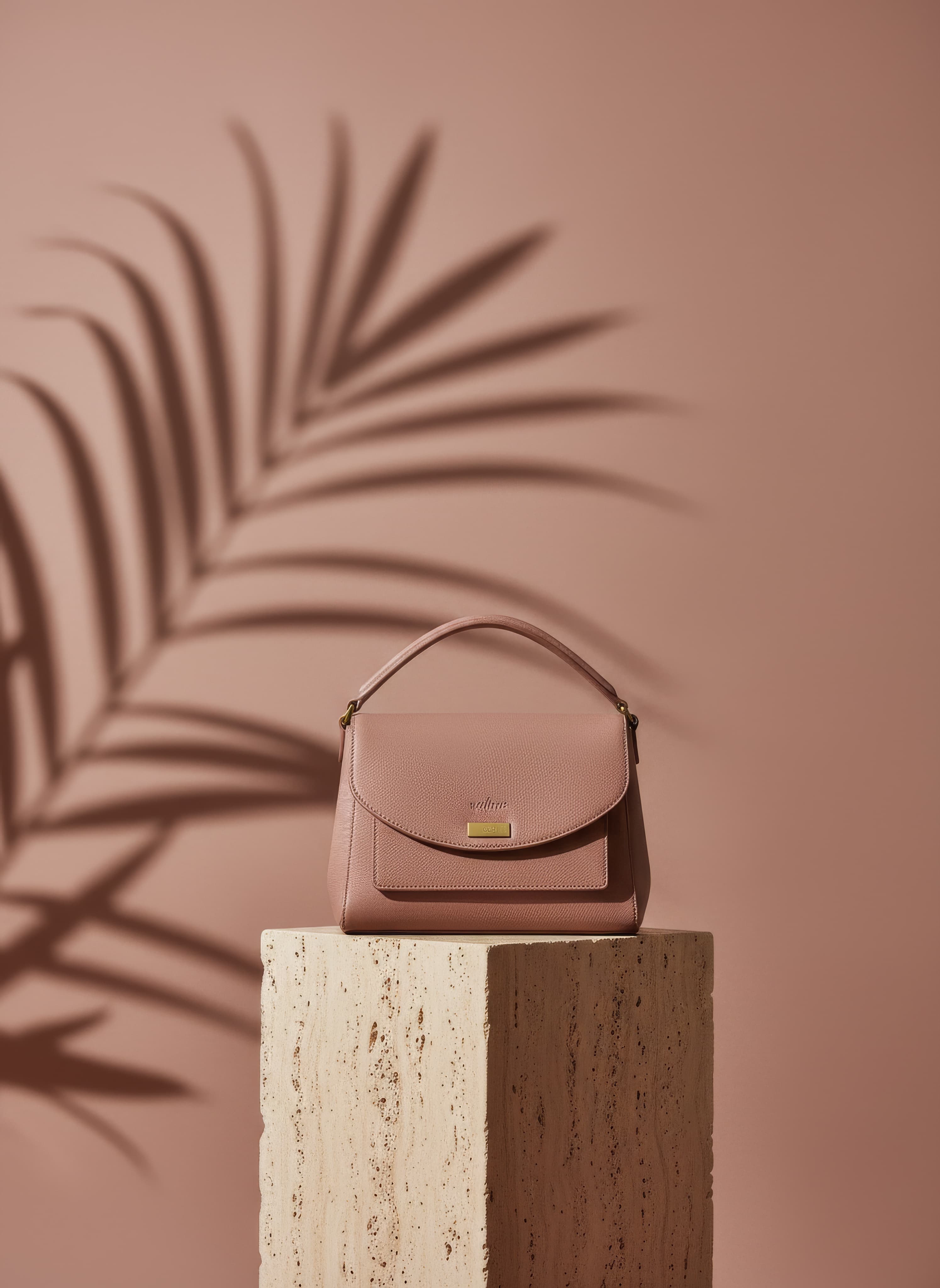
Your product photo is the starting point
Step Two
AI writes your copy
Our AI writes ad copy tailored to each platform.
Headlines, body text, and calls-to-action are written for the platform each ad will run on and matched to your brand — punchy for social feeds, clear for display banners, and professional for LinkedIn.
- Copy tuned to each platform and audience
- Headline, body, and call-to-action together
- On-brand every time

Example: headline and copy set on the ad
Step Three
We generate the ads
One photo becomes a full set of on-brand ads.
Choose from 17 image ad formats — social feed and story, display banners, store pages and email — and we make each one sized correctly for its channel, with your brand colours and logo applied.
- 17 image formats, each sized for its channel
- Your brand colours and logo applied
- As many variants of each format as you choose
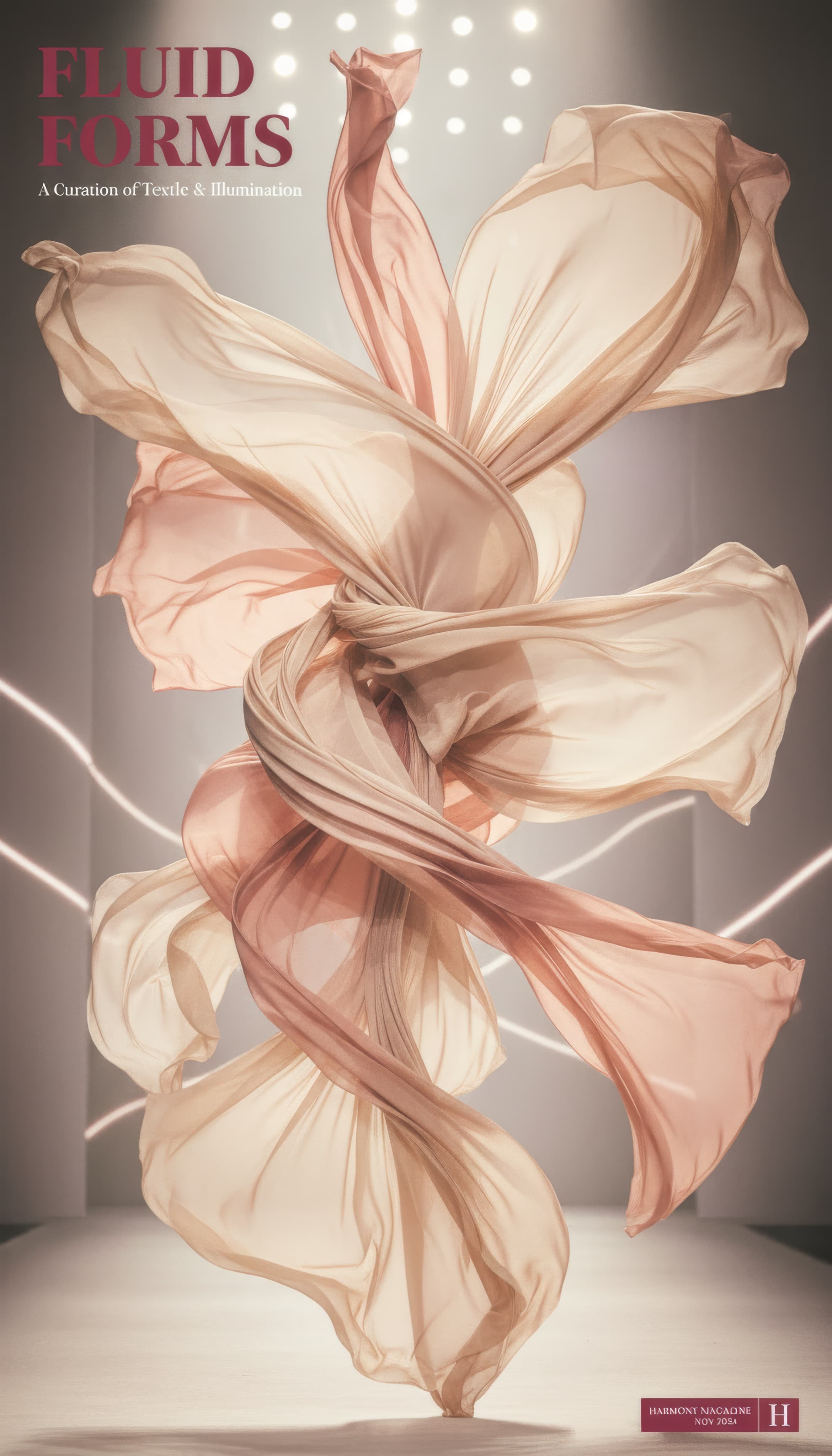
Example of a finished ad
Step Four
Download & publish
Everything arrives ready to post.
Each ad is named, sized, and ready to use. Download them all as a single ZIP or grab them one at a time. Your ads are saved to your account so you can come back to them anytime.
- Download all as a ZIP or one by one
- Named by platform and dimension
- Saved to your account
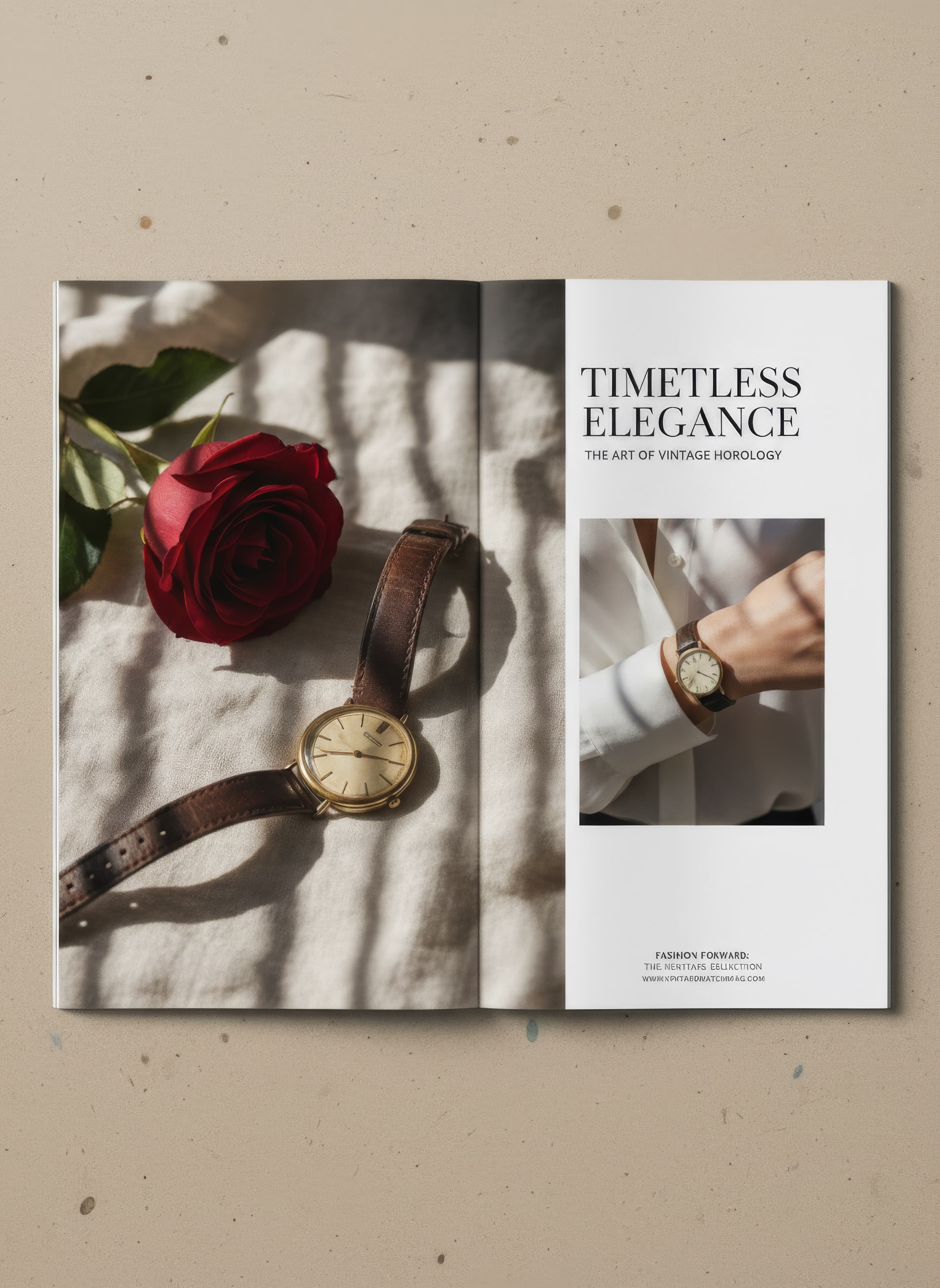
Example of a finished ad
Platforms
Where your ads run
Every platform has its own sizes and style. We generate ads made specifically for each one.
Get Started
Create your first ad
Sign up in seconds — your first 3 credits are free, no card required.